
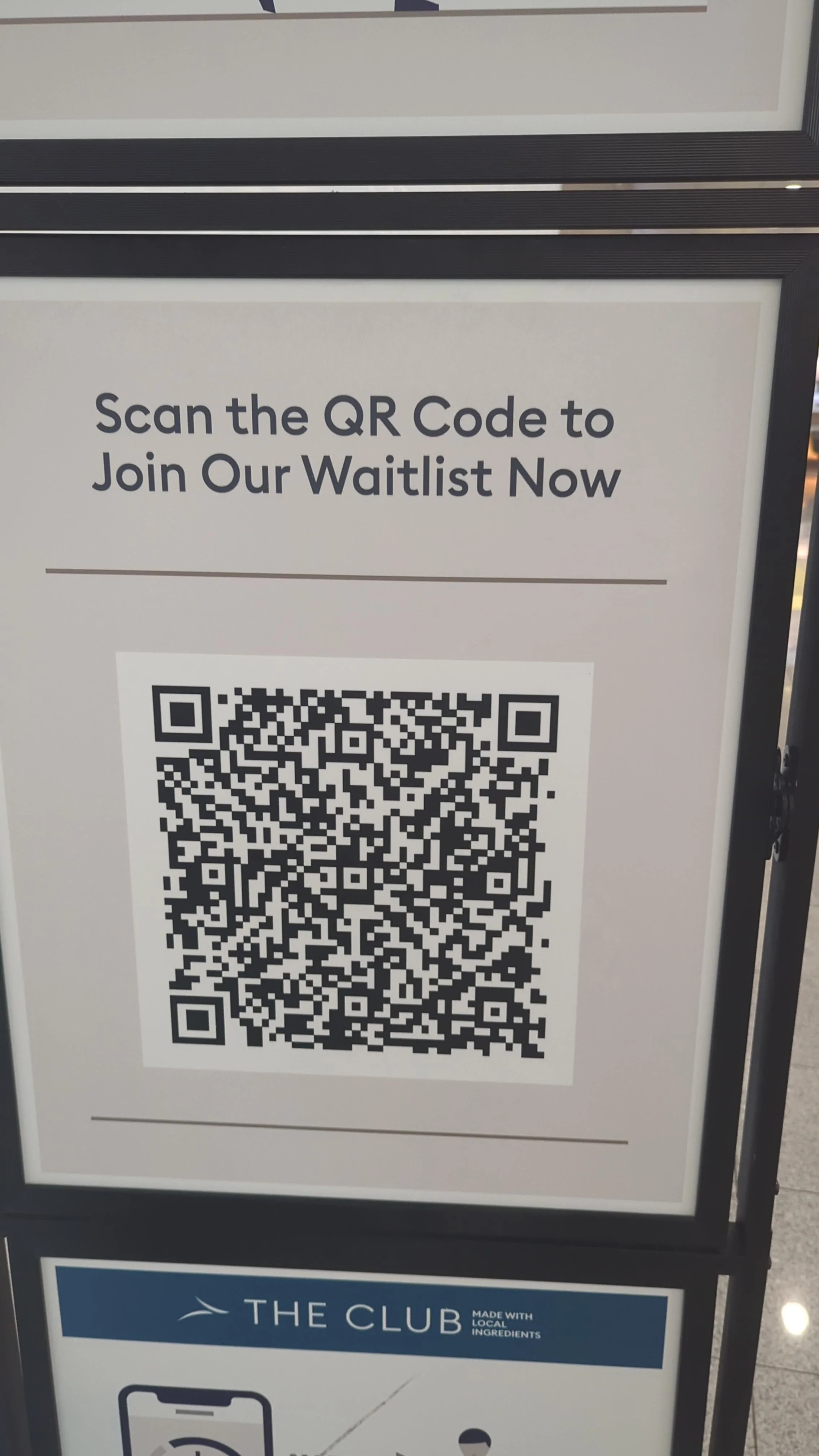
The question we hear most: does a QR code actually belong on my sign?
A few years ago, a QR code on a banner was a gamble. Half the people who saw it did not know what it was, and the other half did not have a phone that could read it without a special app. That has changed. Every modern phone camera reads a code the moment you point it at one, and we now watch people scan a poster at a bus stop on Peachtree Street the same way they would tap a link.
So the honest answer is yes, a code can belong on almost anything we print. The harder question is whether yours is built to work. We see plenty of codes that were dropped onto a design at the last minute, printed too small, or pointed at a page that was never meant for a phone. Here is how our team thinks about it so your print actually earns the scan.
Size, placement, and quiet space are not optional
A QR code is just a grid of contrast that a camera has to resolve. The bigger the scan distance, the bigger the code has to be. A code on a business card can be small because the phone sits inches away. A code on a vinyl banner hung above a booth at the Georgia World Congress Center needs to be large enough to read from where people actually stand, which might be six or eight feet back.
A rough rule we use: the code should measure at least a tenth of the viewing distance. If someone reads your window graphic from ten feet away, the code wants to be around a foot across. That surprises people, but a code no one can resolve is worse than no code at all.
Placement matters just as much. On a vehicle wrap, we keep codes off curved panels, door seams, and anywhere a body line breaks up the grid. A code that wraps around the corner of a box truck will not scan. We also protect the quiet zone, the blank margin around the code, because a code crammed against text or a photo edge confuses the camera.
Contrast is everything, and dark-on-light wins
The whole system depends on contrast between the code and its background. Standard dark-code-on-light-background reads most reliably. We can print a code in your brand color, but we push for a dark, saturated version on a clean light field rather than a pale code on a busy photo. Inverted codes, light on dark, do work on newer phones, but they are less forgiving, so we reserve them for cases where the design truly demands it.
This is also where large format printing has an advantage over a home printer. On a professionally printed banner or rigid sign, the edges of each module stay crisp and the contrast holds up outdoors. A code that looked fine on a screen can turn muddy when it is blown up and printed cheaply, and muddy codes fail.
Point the code somewhere worth going
The most common mistake we see has nothing to do with printing. It is the destination. A code that dumps someone on a slow, desktop-only homepage wastes the scan. The person already made an effort by pulling out their phone. Reward it.
Send scans to a page built for a phone: a menu, a booking form, a short video, a special offer, an address that opens directly in maps. For an Atlanta restaurant, a code on the window that opens the reservation page is far more useful than one that opens a generic site. For a contractor, a code on a yard sign in a Buckhead neighborhood that opens a gallery of finished local jobs turns curiosity into a lead.
We also encourage using a code that you control through a short redirect, so the printed piece can stay in the field while you change where it points. That way a banner printed for a spring promotion can be repurposed for a summer one without reprinting, because only the destination behind the code changed.
Give people a reason to scan
A bare code with no context gets ignored. People need a small nudge that tells them what they get. A few words do the work: "Scan for today's specials," "Scan to book," "Scan for the full lookbook." The call to action is part of the design, not an afterthought, and we lay it out so it reads at the same glance as the code itself.
This is really a branding exercise. The code, the prompt, the colors, and the surrounding graphics should feel like they came from the same company, whether the piece is a feather flag at a festival in Piedmont Park or a wrap on a service van running up and down GA-400. Consistency is what makes the whole thing feel intentional instead of tacked on.
Where codes tend to pay off
We see the strongest results when the code lives where people already have idle attention and a phone in hand. Elevator wraps and lobby graphics work because people are standing still. Event backdrops and step-and-repeat banners work because guests are already taking photos. Trade show displays work because attendees are collecting information to review later. Storefront windows along a walkable corridor like the Beltline or Ponce City Market work because foot traffic moves slowly enough to stop and scan.
Codes tend to underperform where people are moving fast. A tiny code on a highway-facing sign along I-285 is a poor bet, because no one is scanning at speed. In that setting, a clean phone number or a short, memorable web address usually beats a code.
Practical takeaways
If you want a code to work, size it for the real viewing distance, protect its quiet zone, and keep it on a flat, high-contrast area of the design. Point it at a phone-friendly page that delivers on the promise, and add a short prompt so people know why they should bother. Use a code you can redirect later so your printed piece keeps earning its place. And treat the whole thing as part of your brand, not a sticker slapped on at the end.
We build codes into vehicle wraps, banners, window graphics, and rigid signs for businesses all over metro Atlanta, and the pieces that perform are almost always the ones that were planned this way from the start. If you are ordering new print work, bring the code conversation to the design stage and we will make sure it scans the first time, every time.
Ready to Get Started?
Contact Extreme Color today for vehicle wraps, signs, banners, and more.
Get a Free Quote